Shrink Your Docker Image by up to 95% — Boost Efficiency and Security!
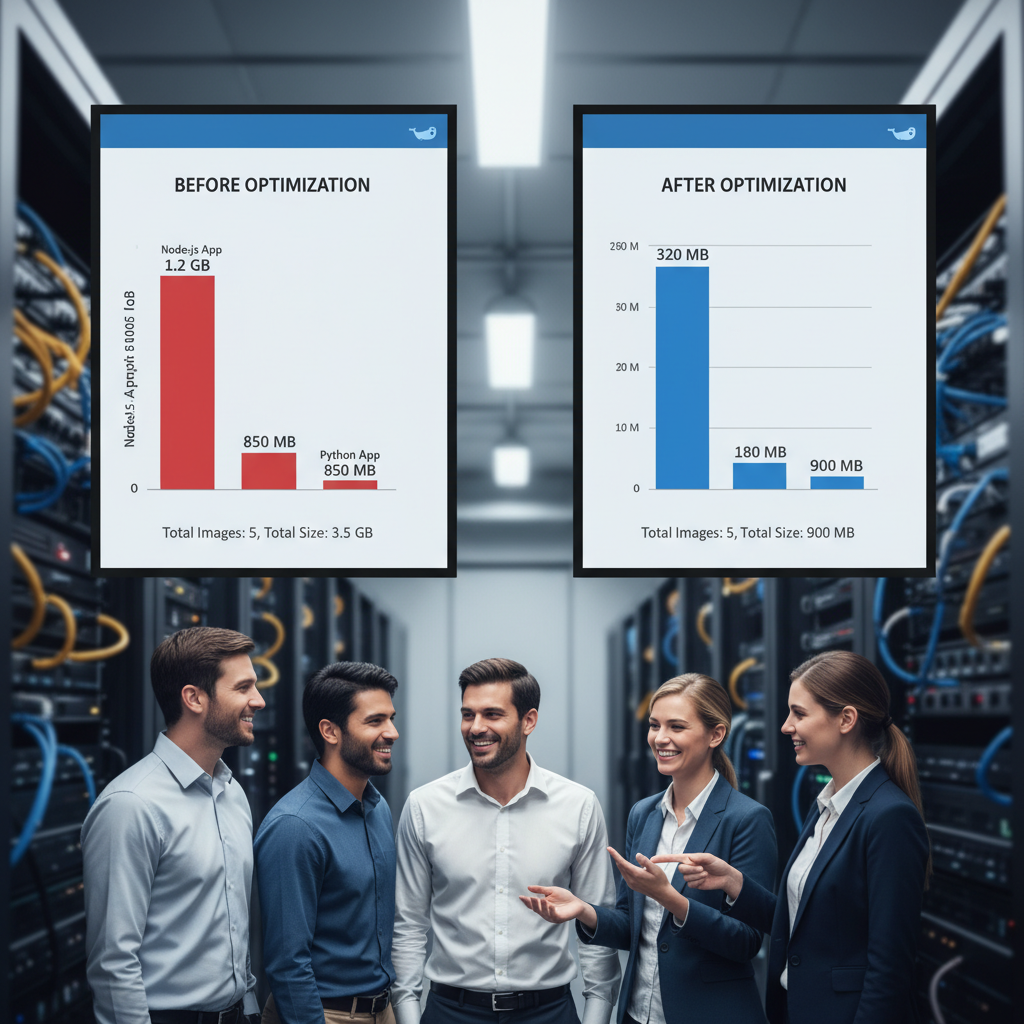
Docker has revolutionized how we deploy applications by packaging everything needed to run our software into containers. However, creating bulky Docker images can slow down deployments, increase storage costs, and enlarge your attack surface. What if you could shrink your Docker images by up to 95%, making them leaner, faster, and more secure? In this article, we’ll explore actionable strategies to optimize your Docker images and container builds to achieve exactly that.
Why Size and Security Matter in Docker Images
Smaller Docker images mean faster downloads and deployments. This speed boost is critical in continuous integration/continuous deployment (CI/CD) pipelines where rapid iteration is key. Additionally, minimal images contain fewer packages and binaries — reducing security vulnerabilities and potential attack vectors.
Optimizing image size is not just about storage savings but also about creating a stronger, safer software environment for your applications.
1. Use Multi-Stage Builds for Efficient Compilation
Multi-stage builds allow you to compile and build your application in one stage with all the necessary tools and then copy only the essential artifacts into a clean, lightweight image for runtime. This approach significantly reduces bloat by excluding unnecessary build dependencies.
Example: Multi-Stage Build Dockerfile
FROM golang:1.20 AS builder

WORKDIR /app

COPY . .

RUN go build -o myapp
FROM alpine:latest
WORKDIR /app
COPY –from=builder /app/myapp .
CMD [“./myapp”]
In this example, the Go compiler is used only in the build stage, and the final image contains just the compiled binary and the Alpine Linux base image, drastically shrinking the final image size.
2. Choose Minimal, Verified Base Images
Start with minimal base images such as alpine, busybox, or specialized distroless images. These contain only what is needed to run applications, reducing bloat and the attack surface.
Verified images from trusted sources ensure that you avoid vulnerable or compromised code. Always check for the official or verified images on Docker Hub or other registries.
3. Leverage Layer Caching by Optimizing Dockerfile Order
Docker caches intermediate layers during the build process. Ordering your Dockerfile commands from least to most frequently changed files helps maximize caching benefits and speeds up builds.
Actionable Tip
Place commands that change rarely, such as installing system dependencies or adding static files, at the top. Put frequently changing code and configuration toward the bottom.
4. Reduce the Number of Layers
Every RUN, COPY, or ADD command in your Dockerfile creates a new layer. Combining commands using shell operators (like &&) into a single RUN instruction reduces layers and image size.
Example
RUN apk update \

&& apk add --no-cache curl git \

&& rm -rf /var/cache/apk/*
This example updates the Alpine package index, installs curl and git, and cleans the cache in one layer.
5. Don’t Run Containers as Root
Running containers as the root user poses serious security risks. Switch to a non-root user to limit what an attacker can do if they compromise your container.
How to Switch to a Non-root User
RUN addgroup -S appgroup \

&& adduser -S appuser -G appgroup

USER appuser
This example creates a non-root user appuser and switches the Docker container to run under that user, enhancing security.
Conclusion: Smaller, Faster, More Secure Docker Images
Optimizing your Docker images by using multi-stage builds, minimal base images, smart Dockerfile ordering, layer reduction, and enforcing a non-root user policy can shrink your images by up to 95%. This makes your deployments faster, lowers resource use, and most importantly, builds a more secure container environment.
Start applying these best practices today to boost your Docker container performance and security!
For more Docker tips, check out the official Docker multi-stage builds documentation and Docker Hub verified images.
#Docker #DevOps #Containers #CloudEngineering #BestPractices